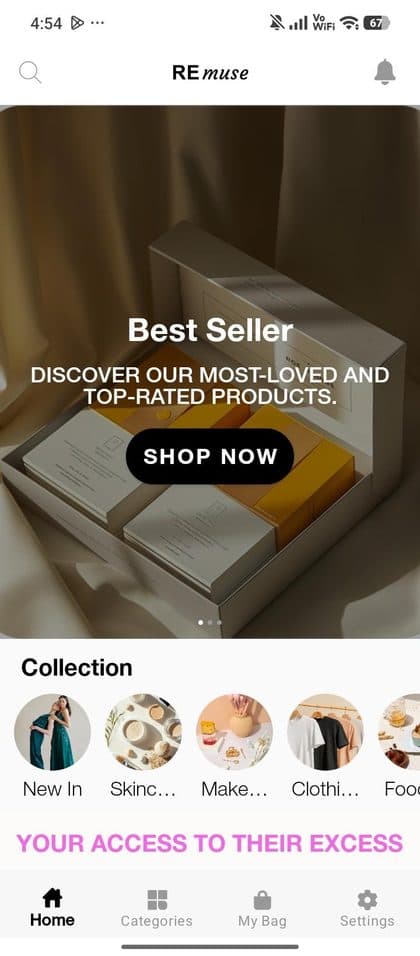
REmuse
Shopping · Netherlands. A marketplace for unused influencer PR products.- Launched
- Sep 2025
- Available on
- Android worldwide
iOS (Netherlands) - Built with Styld
- 12 days
View live appView on Google Play
Create a branded mobile shopping app for your Shopify store on iOS and Android. Keep your store data connected, customize the shopping experience, and give returning customers a direct way to open, browse, and shop your brand.
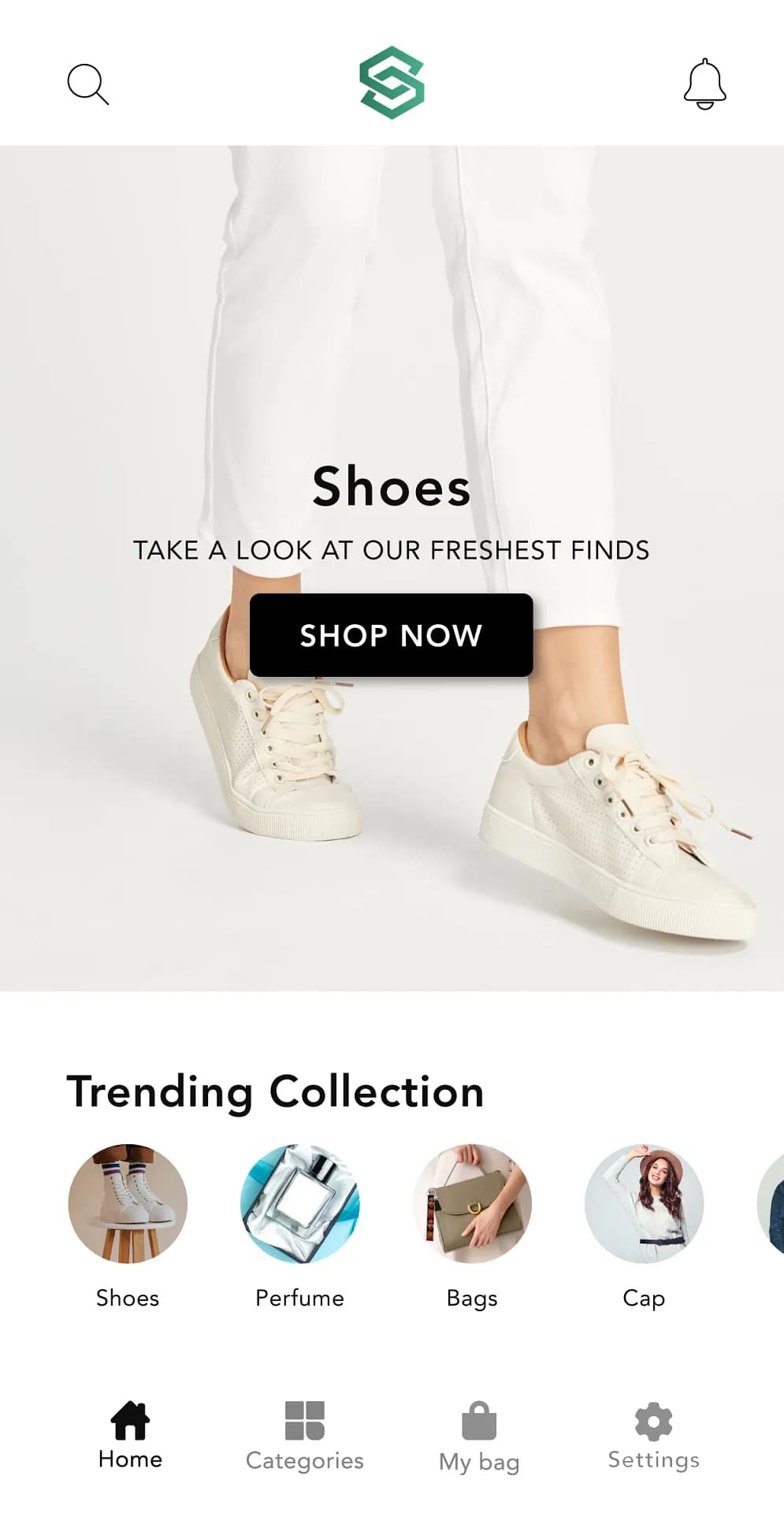
Built for Shopify merchants who care about the details
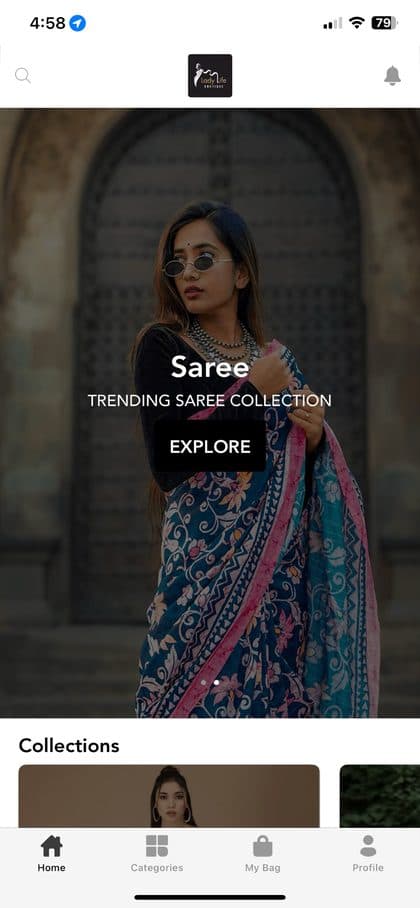
Explore live Shopify mobile apps on the Apple App Store and Google Play where links are available. Use these examples to understand how a branded mobile shopping experience can look in a real store.
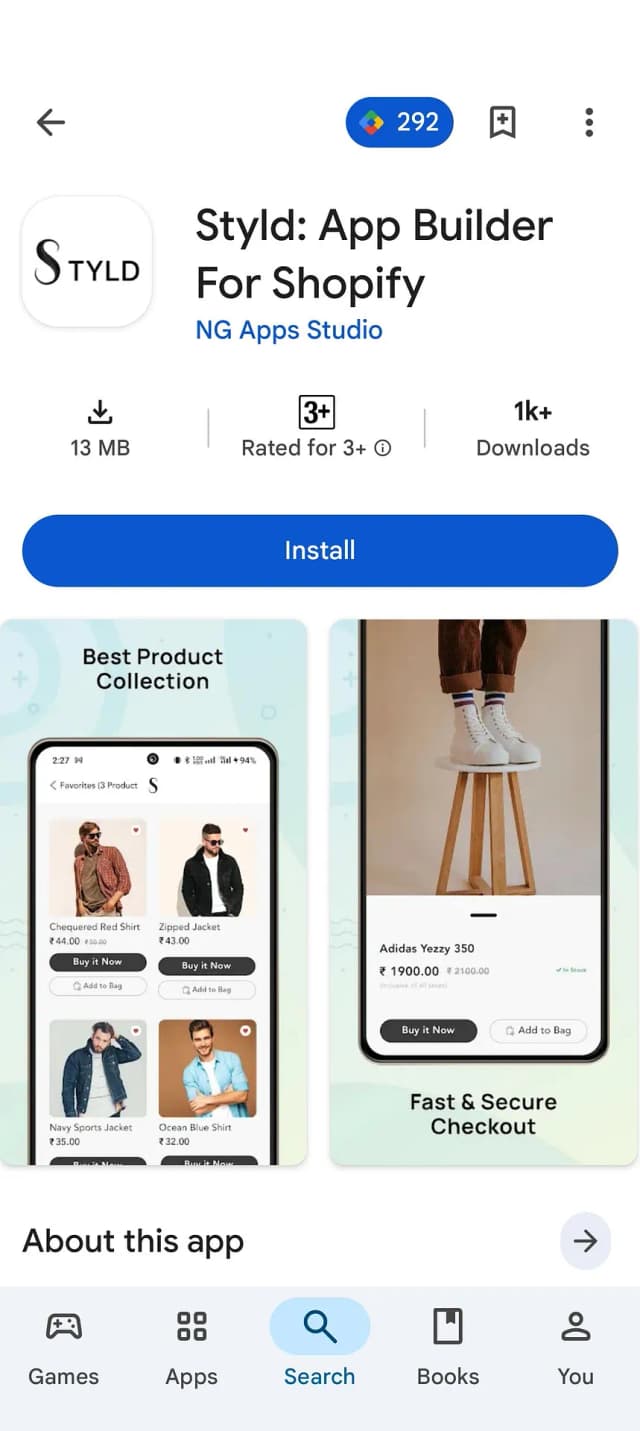
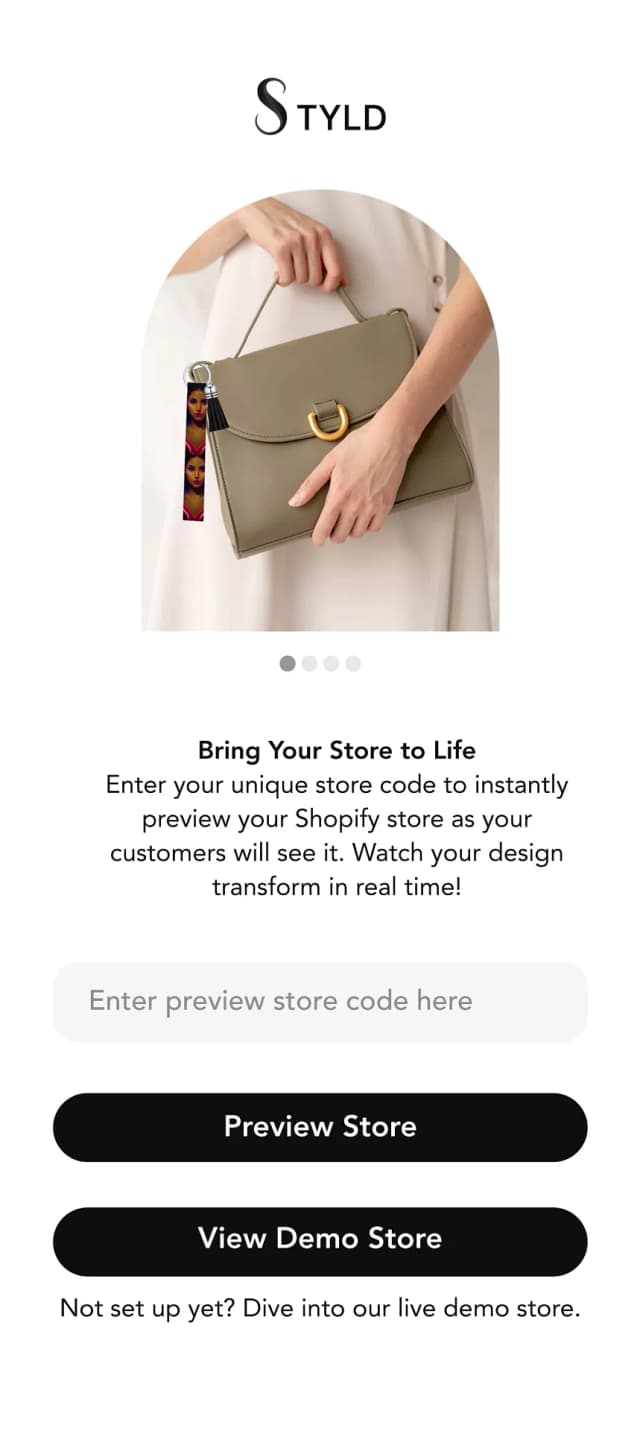
Install the demo app, enter the sample store code, and explore a working Shopify mobile shopping experience. No sales call is required to try the demo.
Point your phone camera at the QR code. Get the demo app on Google Play, or request iOS access below.

Browse the home page, collections, product pages, and cart: the real shopping experience, not a video. See how your customers could shop from your mobile app.
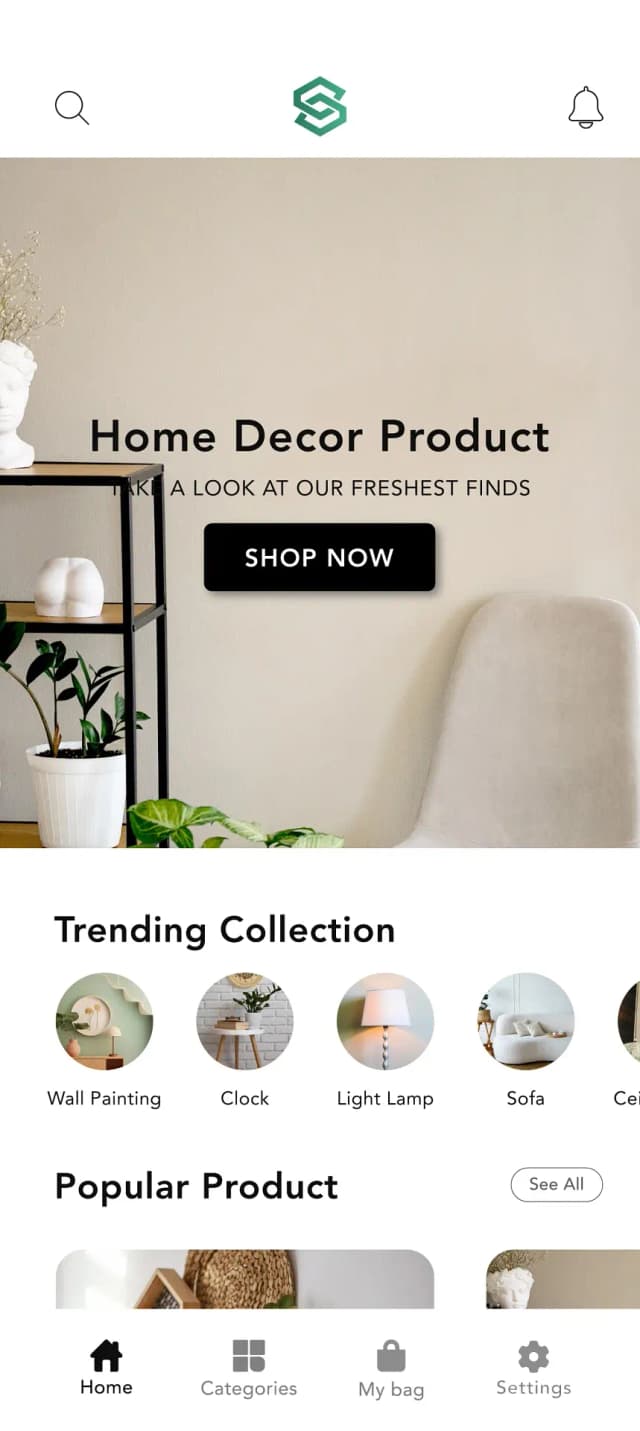
A mobile website helps customers discover and shop your store. A branded mobile app gives existing customers another direct way to return, browse, and stay connected with your brand.
A mobile site waits to be found. A mobile app gives returning customers a direct path back.
A branded mobile app can give customers another way to return, browse, and hear from your store. The impact depends on your traffic, customer adoption, offers, and how you promote the app.
REmuse uses its Styld mobile app to give returning customers another way to browse, shop, and stay connected with the brand.
“Best no-code mobile app builder! I built my custom app in days using their drag-and-drop templates. Simple, fast, and perfect for startups. Highly recommend.”

Connect your Shopify store, customize the app experience, preview it on your phone, and prepare it for submission. Styld supports the publishing process while you keep control of your store and developer accounts.
Install Styld, log in, and connect your store. Your products, collections, inventory, and branding sync across automatically, with no manual re-entry or export.
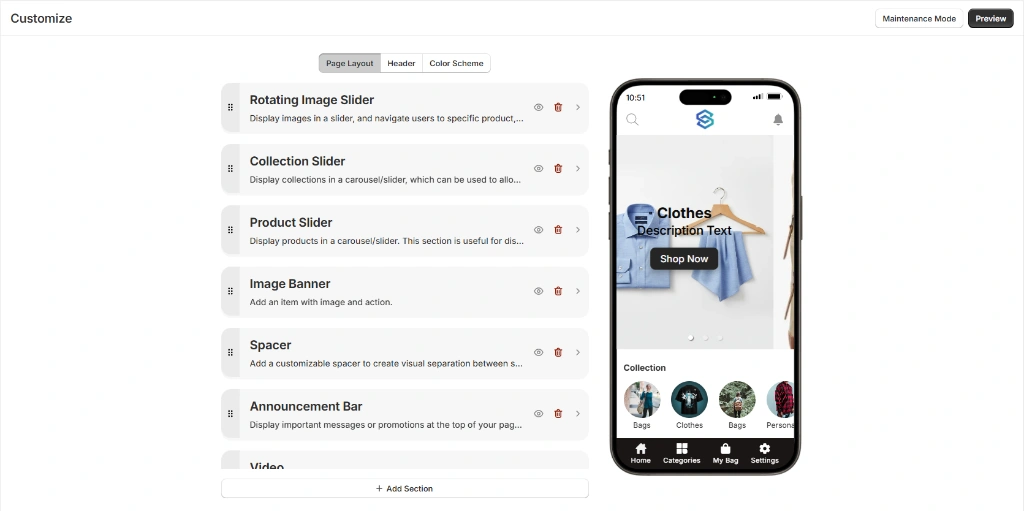
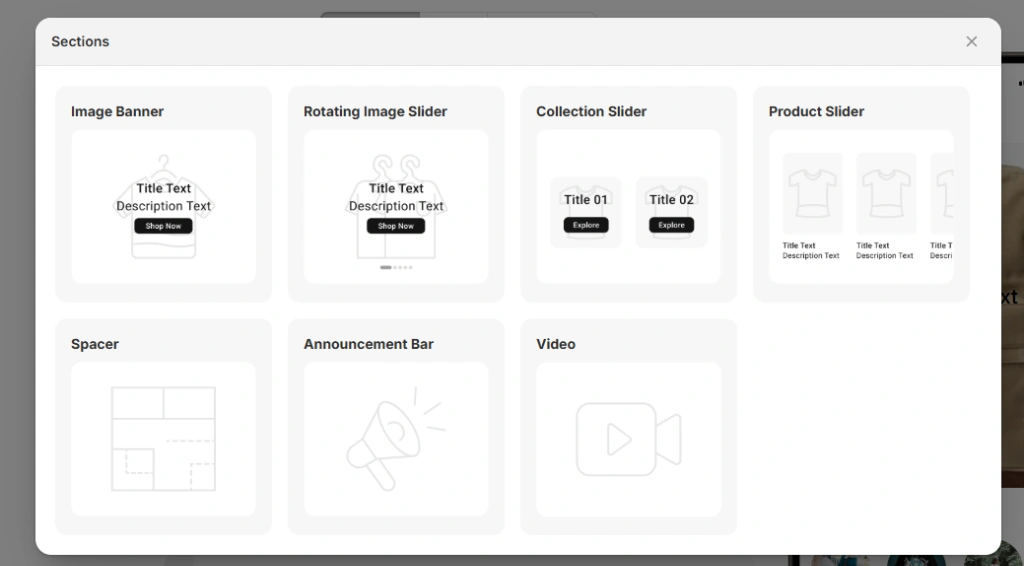
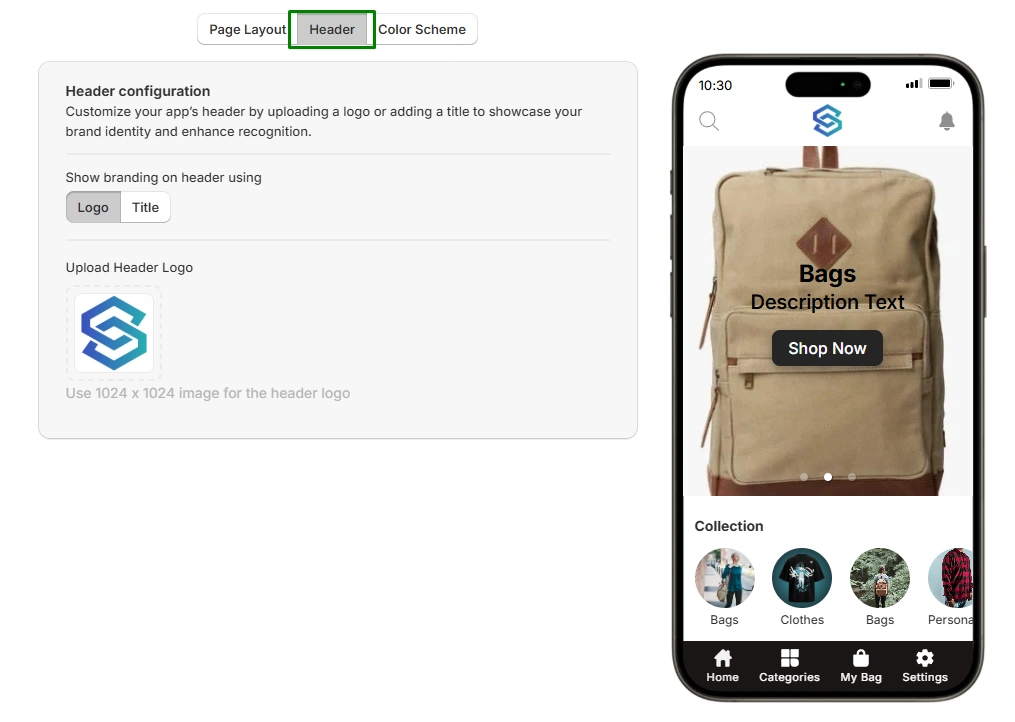
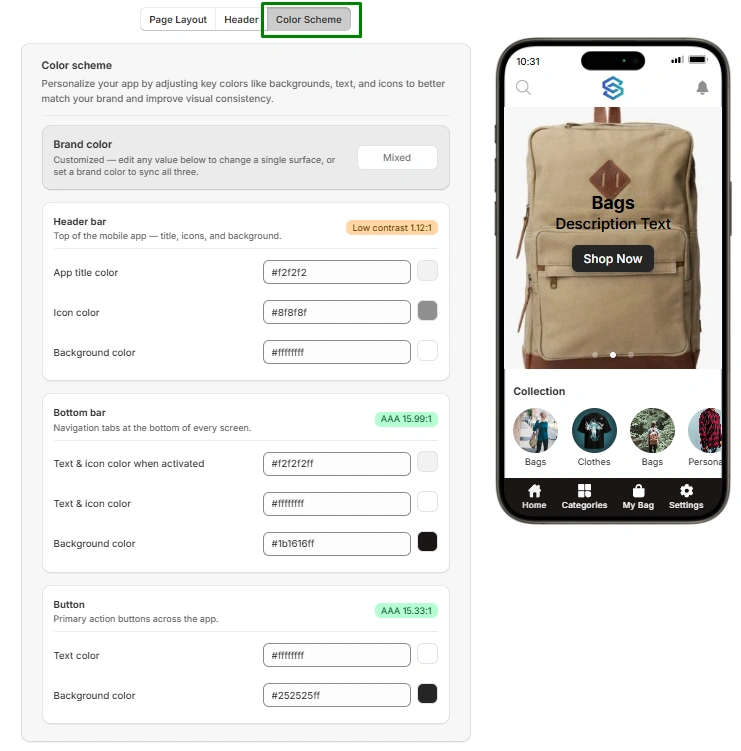
Customise your app's home screen with drag-and-drop sections, or start with a preset and adjust it to match your brand. No developer required.
Scan a code to open the app on your phone with your products and a working shopping experience. Review it, make changes, and preview it again before launch.
We support the Apple App Store and Google Play submission process, including listing preparation, review feedback, and resubmission where needed.
Your customers can download the app and start shopping. Push notifications and analytics are ready, while your store and app accounts remain under your control.
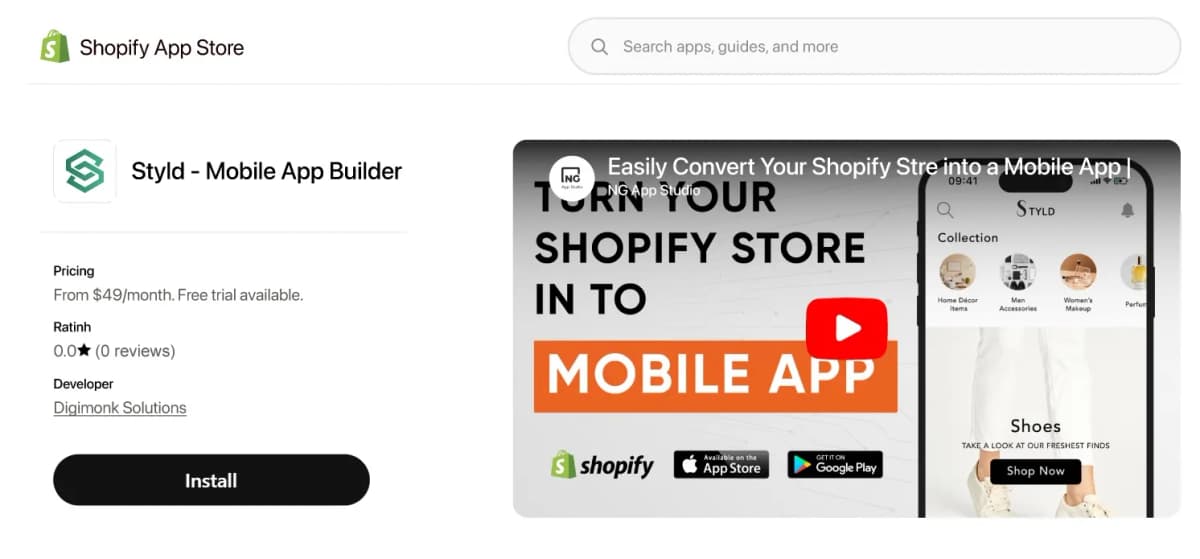
Explore the mobile shopping, customer engagement, branding, analytics, integration, and international features available through Styld Mobile App Builder.
Make checkout faster and easier for customers using the payment methods already available on their phones.
Reach opted-in app customers with push notifications, a direct channel that does not compete for inbox attention.
Extend your Shopify brand into a polished mobile shopping experience that feels consistent with your storefront.
Keep your existing Shopify workflow while Styld handles the mobile-app layer. Spend less time rebuilding the same store experience in another system.
Understand customers, orders, sales, products, and collections so you can make better decisions with real data.
Support the languages and currencies available for your Styld mobile app and Shopify setup to create a more local shopping experience.
Your mobile app connects with your Shopify store instead of requiring you to maintain a separate product catalogue. Update supported products, prices, inventory, and collections in Shopify and keep the app experience connected to your store.
Support Apple Pay, Google Pay, and Shop Pay through your existing setup.
Keep recurring orders and billing on their existing schedule.
Keep your existing bundles and offers working across the mobile shopping experience.
Use your existing fulfilment setup for shipping rates and tracking.
Customers can use their existing account and order history.
Keep loyalty points and rewards connected across the shopping experience.
Show your existing product reviews and ratings in the app.
Reach opted-in app customers alongside your existing email and SMS channels.
Give customers familiar collections and filters in a mobile-friendly experience.
Let customers return to the products they have saved.
Bring supported custom storefront sections into the mobile experience.
Connect app activity with the tools you already use for marketing and reporting.
Don't see an integration you use? Tell us about your stack and we'll confirm compatibility before you commit.
Your current app can keep serving customers while we prepare your new one.
Keep your existing store running while the new app is prepared.
Review your current setup, confirm what can be carried over, prepare the new app, and switch when the new experience is ready.
Share a few details about your current app and Shopify store so we can plan the migration.
We carry over your screens, branding, and existing setup instead of starting from scratch.
Preview and test the new app before it goes live to your customers.
When you're ready, we launch the new app and retire the old one according to the migration plan.
What carries over depends on your current app and setup. We'll confirm what can be preserved, including your store experience, listings, ratings, and reviews where supported, before you switch.
Enter your store's numbers to explore a directional revenue scenario based on the calculator assumptions.
See how the estimated revenue compares with the Premium plan.
This calculator provides a directional scenario, not a revenue or profit guarantee. Results depend on the calculator assumptions, traffic, customer adoption, conversion rate, average order value, retention, marketing, costs, and other factors.
Choose the plan that fits your store. Every plan starts with a 14-day free trial.
Essential features for launching your Shopify mobile app.
Advanced features for growing Shopify stores.
Both plans include App Store and Google Play submission support, including review handling and resubmission where needed. You keep ownership of your developer accounts and app listing.
Yes. Styld Mobile App Builder lets you turn your Shopify store into a native mobile shopping app for iOS and Android.
Your Shopify store remains connected to the app, so you don't need to maintain a separate product catalog for your mobile store.
Yes. Styld creates native iOS and Android apps, giving your customers a mobile shopping experience designed specifically for mobile devices.
You can build an iOS app, an Android app, or both.
No. Styld provides a merchant admin where you can manage your app's content, layout, and supported settings without editing code.
You can update your app as your store and marketing campaigns change.
Yes. You don't need to submit a new App Store or Google Play version for every content or design change.
You can manage changes such as banners, layouts, sections, and other supported content directly from the Styld merchant admin.

Yes. Styld connects your mobile app with your Shopify store and provides real-time synchronization.
Products, variants, prices, inventory, collections, customers, orders, and other supported Shopify data stay connected with your store.
Yes. Customers can search for products and use sorting options within the mobile app.
Product filtering is also available on the Growth plan.
Yes. Styld lets you send push notifications directly to customers who use your mobile app.
Depending on your plan, you can send a set number of notifications or use unlimited push notifications.
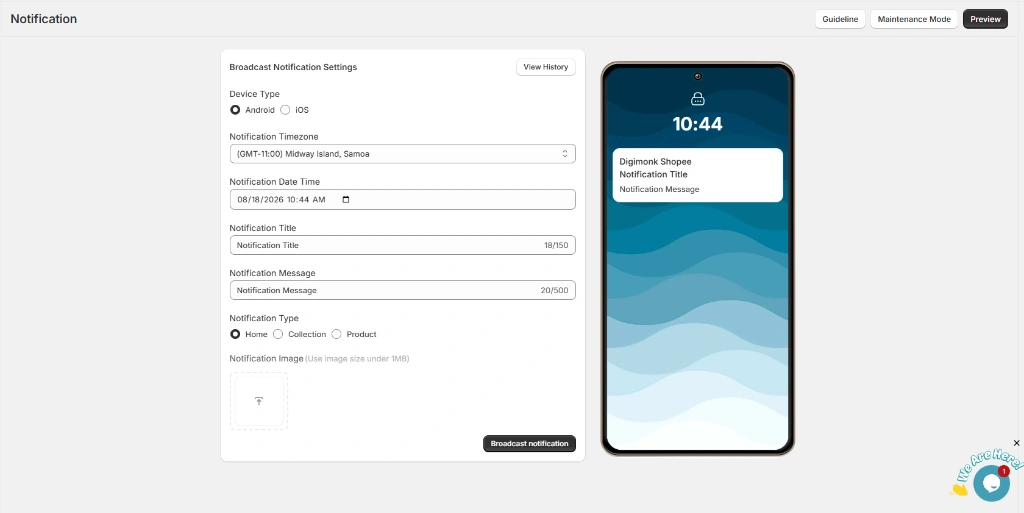
Yes. Scheduled push notifications are available on the Growth plan.
You can plan promotions, product launches, sales, and other campaigns and schedule notifications for a specific time.
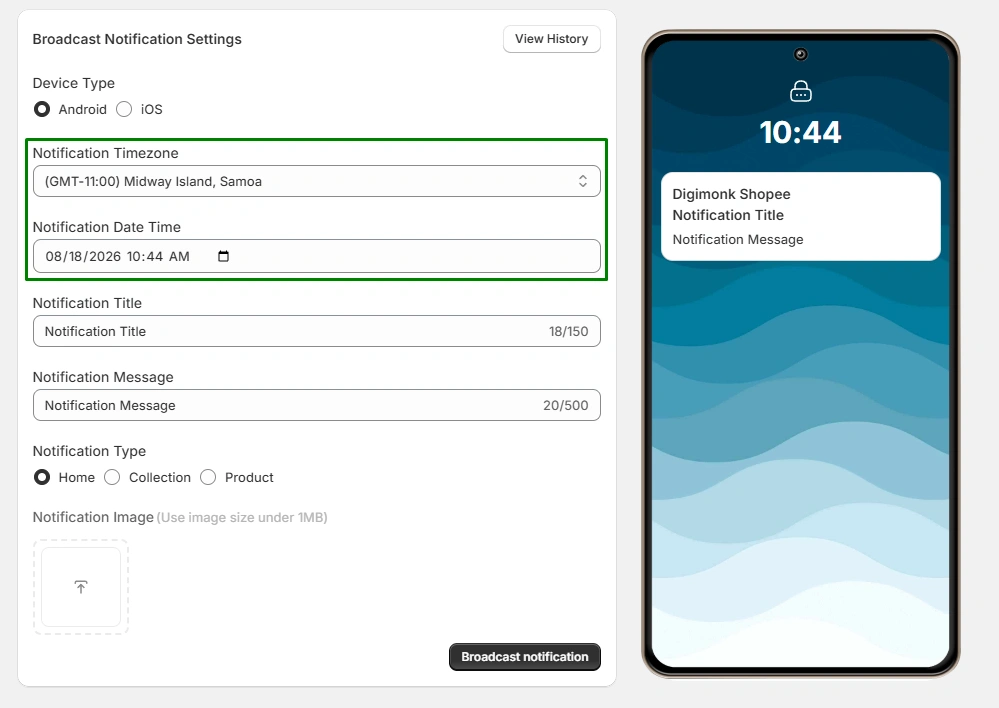
Yes. Styld supports abandoned cart push automation, helping you remind customers about products they added to their cart but didn't purchase.
Yes. Styld supports customer accounts and wishlist functionality.
Customers can log in, manage their account, and save products for later.
Wishlist functionality is available on the Growth plan.
Yes. Styld supports multiple currencies.
The mobile app currently supports English, French, German, and Dutch.
Yes. Styld manages the technical app publishing process for you.
We recommend that merchants use their own Apple Developer and Google Play Developer accounts and provide Styld with the required access. If you don't have your own developer accounts, Styld can also publish the app under its accounts where applicable.
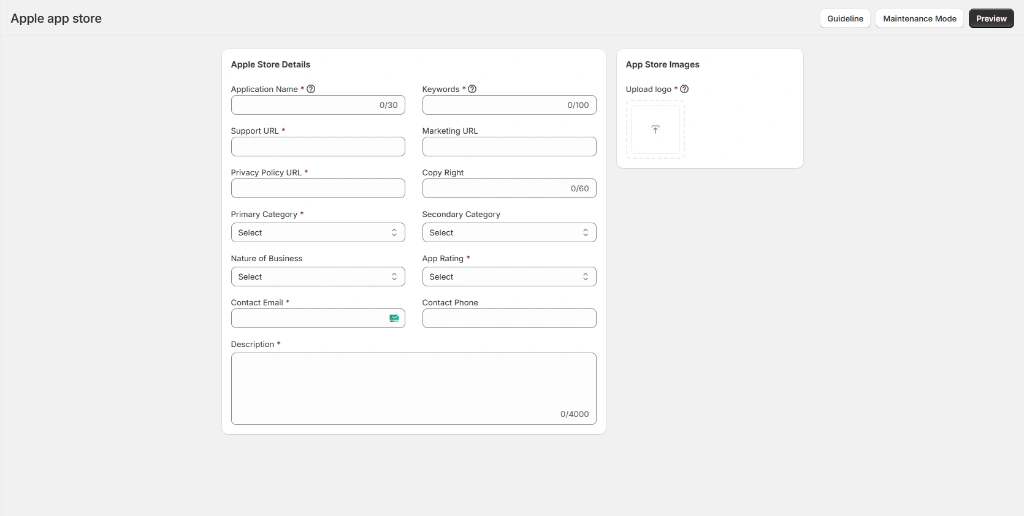
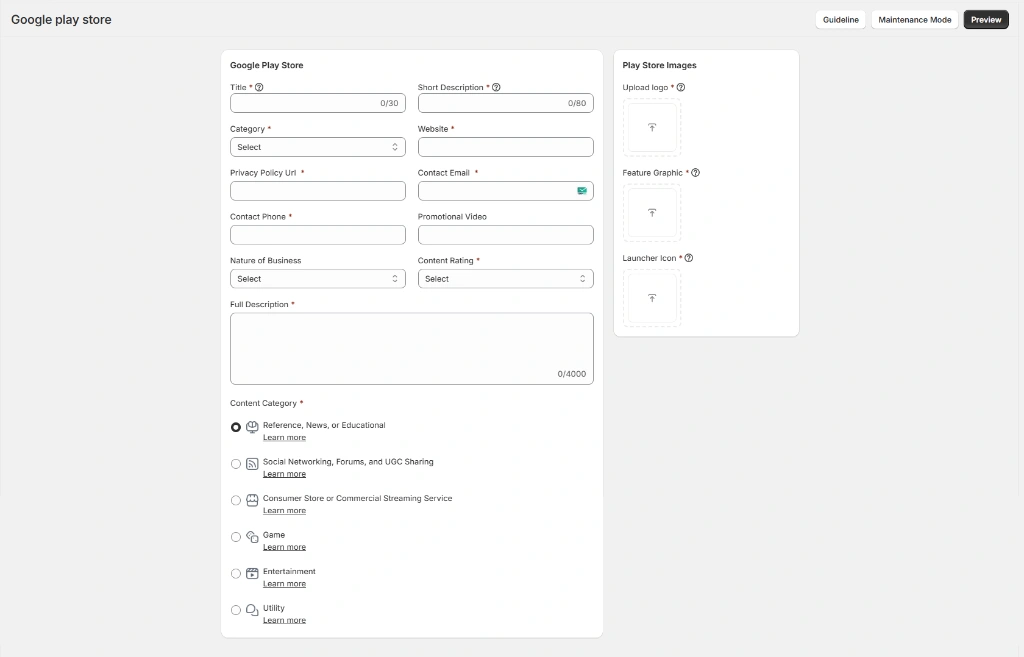
Once everything required from the merchant is ready, a typical launch can take around two weeks.
Final review time varies, because availability also depends on Apple and Google review times.
Styld Mobile App Builder has two plans:
Everything in the $49/month plan, plus:
Still deciding? Book a Demo. We'll show you how Styld Mobile App Builder could work with your Shopify store.
Book a demo to see how your Shopify products, branding, and mobile shopping experience could work inside a branded app.